Compliance dispatch gating
No ticket, no truck. With the gate on, the job is blocked before the crew rolls, not written up after.
When the compliance gate is enabled for an account, Tradescraft checks a worker's current tickets against the site's mandatory requirements before dispatch. A missing or expired required qualification blocks that assignment and identifies what needs attention.
No ticket, no truck
With the gate on, a worker whose ticket is missing or lapsed is blocked from a job that requires it - before they're sent, not written up after.
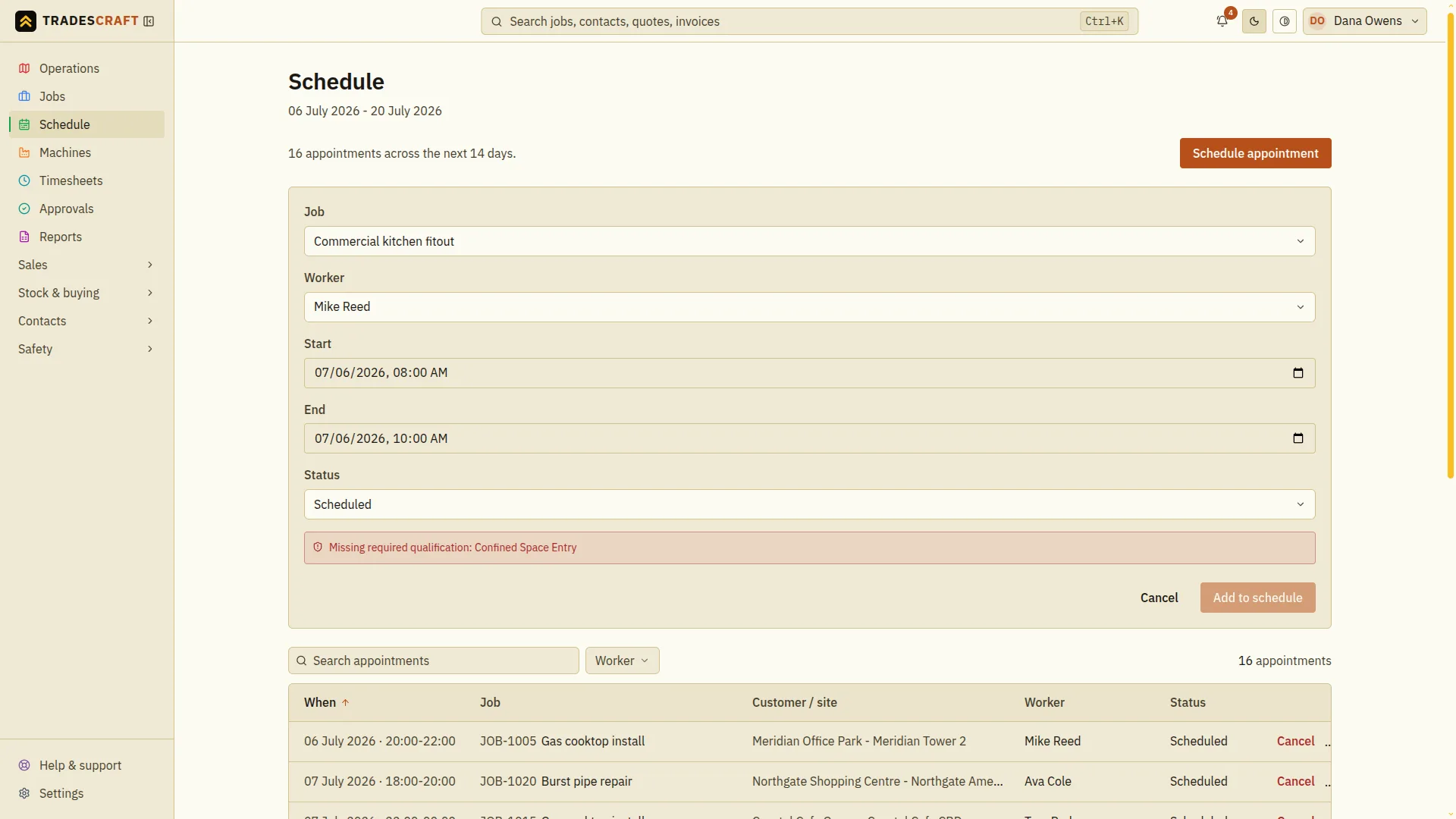
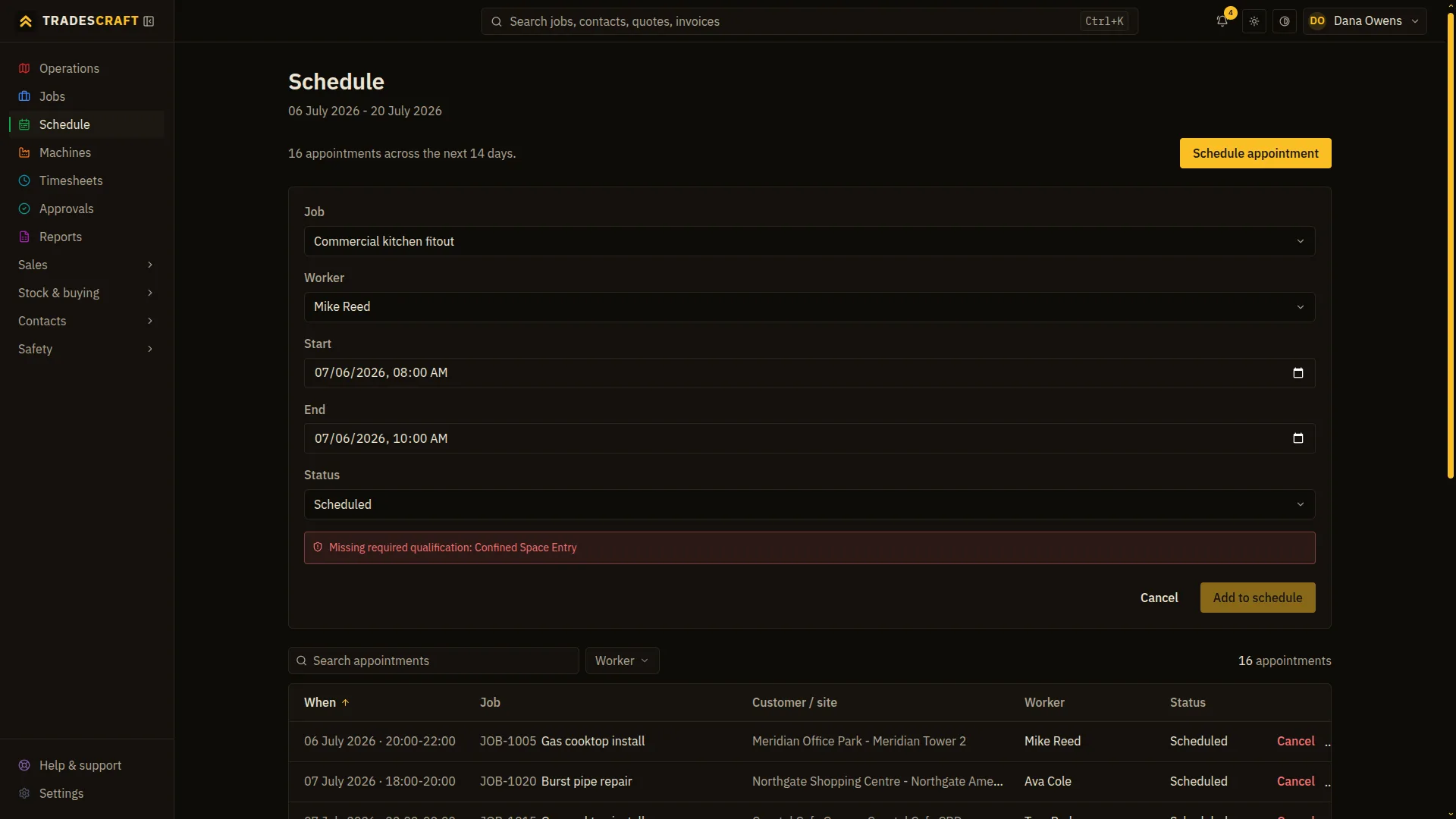
The dispatch that won't go out
With the account gate enabled, the scheduling form checks the worker's tickets against the site's mandatory requirements. A missing or expired qualification raises a clear reason and disables the assignment action until the requirement is resolved.
The check that stops the job
- Before dispatch, a worker's tickets are checked against what the site requires.
- A missing or expired mandatory qualification blocks the dispatch and explains why.
- With the gate on, the check runs on every dispatch rather than as a dismissible reminder.
Built from your own data
- Site requirements come from your qualification list; worker tickets come from their records.
- A trade-specific hazard library with default controls keeps the safety side consistent.
Common questions
- What does "no ticket, no truck" actually mean?
- With the account gate enabled, if a worker doesn't hold a mandatory qualification a site requires, or their ticket has lapsed, the system won't let them be dispatched to that job until it's resolved.
- Can the check be turned off for one job?
- When the compliance gate is on, it runs on every dispatch - it isn't a per-job reminder you tick past. The gate is enabled for your account on request; with it off, you still get the warnings but can proceed.
- Is the compliance gate on by default?
- No. By default you get the warnings but can still proceed. Ask us to switch the hard block on for your account and the check then runs on every dispatch, so an unticketed worker can't be sent. It's your call how strict to be.
- Where do the requirements come from?
- From your own data - the qualifications you've marked a site as requiring, checked against the tickets held on each worker's record. Nothing is hard-coded; the gate enforces the rules you set.